Appointments

Let clients book a time without the back and forth

Set your services and the hours you work. Clients pick a time on your page from their phone, and it lands in your calendar. No messages to and fro, and no double bookings.

Free to start with your booking page, bookings and clients. Everything else is one paid plan: £9.99/month billed yearly, or £12.99 monthly.

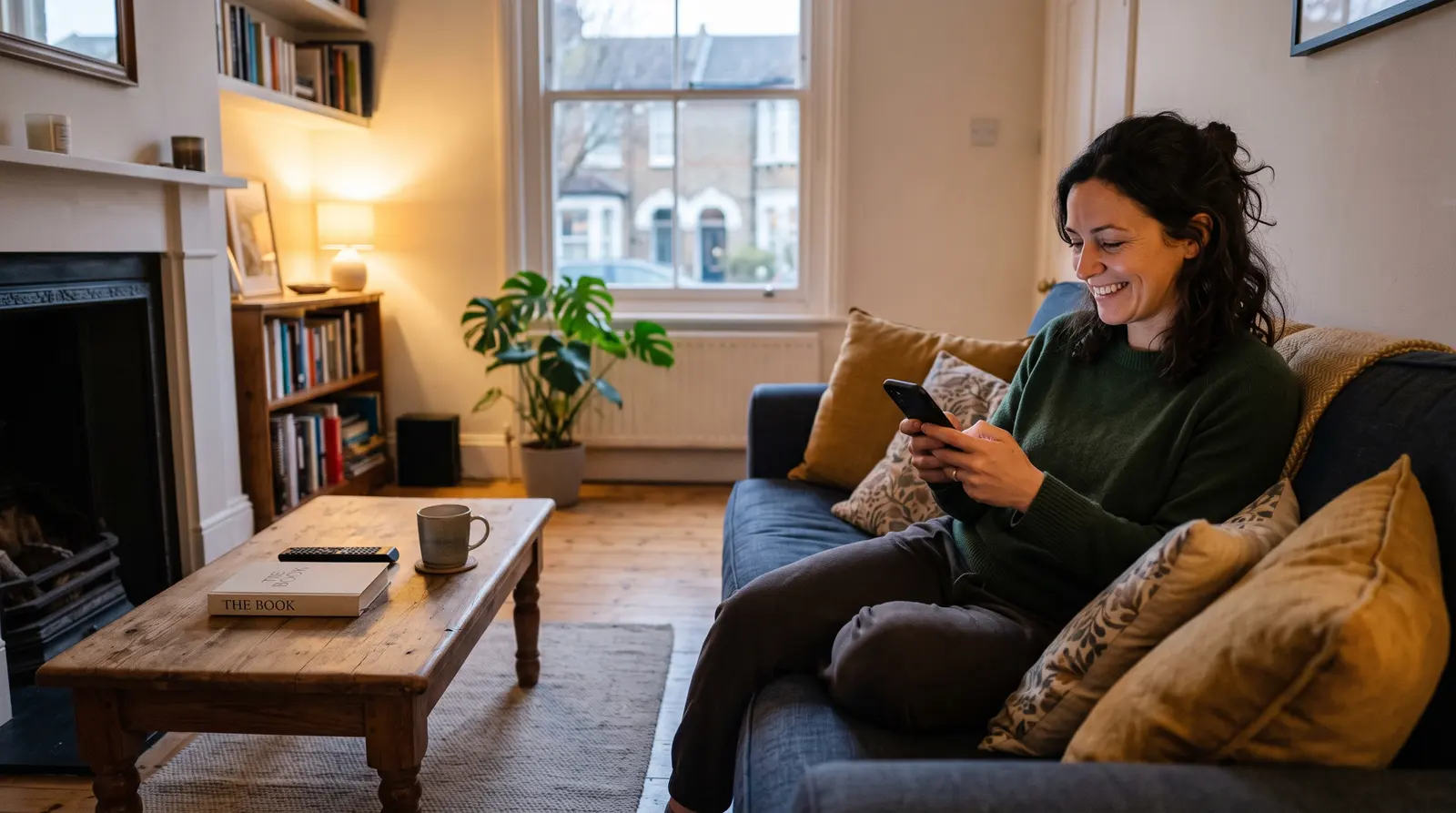
A woman on her sofa booking an appointment on her phone

Tuesday

  • 08:00Sports massageTom B. · booked on Sunday night
  • 12:30Free 15-minute callNew client · booked this morning
  • 17:00Deep tissue massageAisha N. · booked last week

Quick answer

Soopaspace gives you a booking page where clients pick a time that suits them, from their phone, and it lands in your calendar. Taken times disappear so there are no double bookings, confirmations go out by email, and you can take a card payment or let clients pay in person. Free to start.

One link, and clients book themselves in

Set your services and the hours you work, then share one link. Clients pick a time on your page from their phone, it lands in your diary, and nobody has to text back and forth to find a slot that suits you both.

1Your services

Every service with its own length and price

List what you do, each as a service with its own length, price and buffer. Each one can ask its own questions when someone books, so you know what the appointment is for before it starts.

  • Each service with its own length, price and buffer
  • A photo on each service
  • Your own questions: short answer, long answer or a choice
  • A £0 service for a free first call or consultation
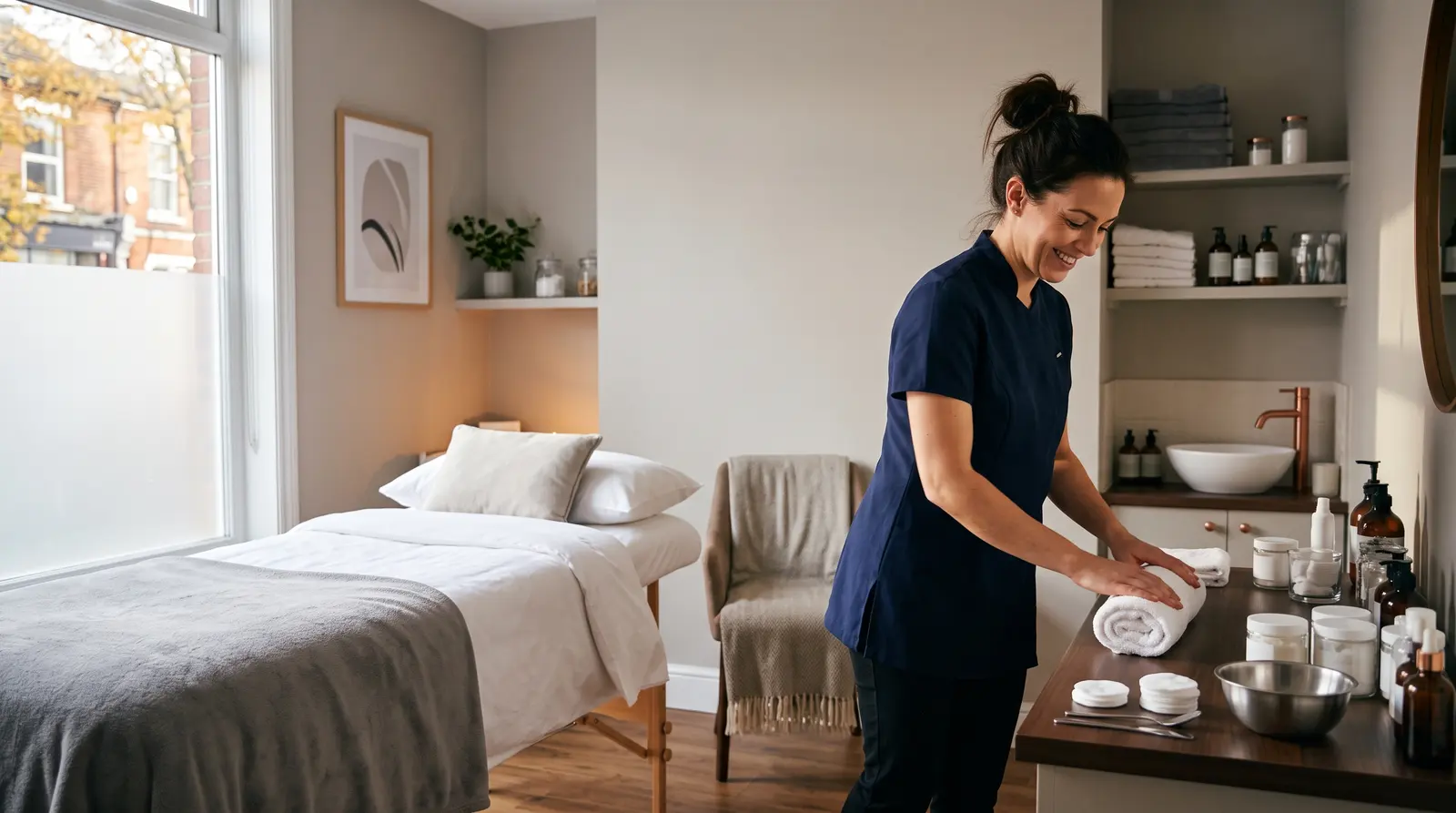
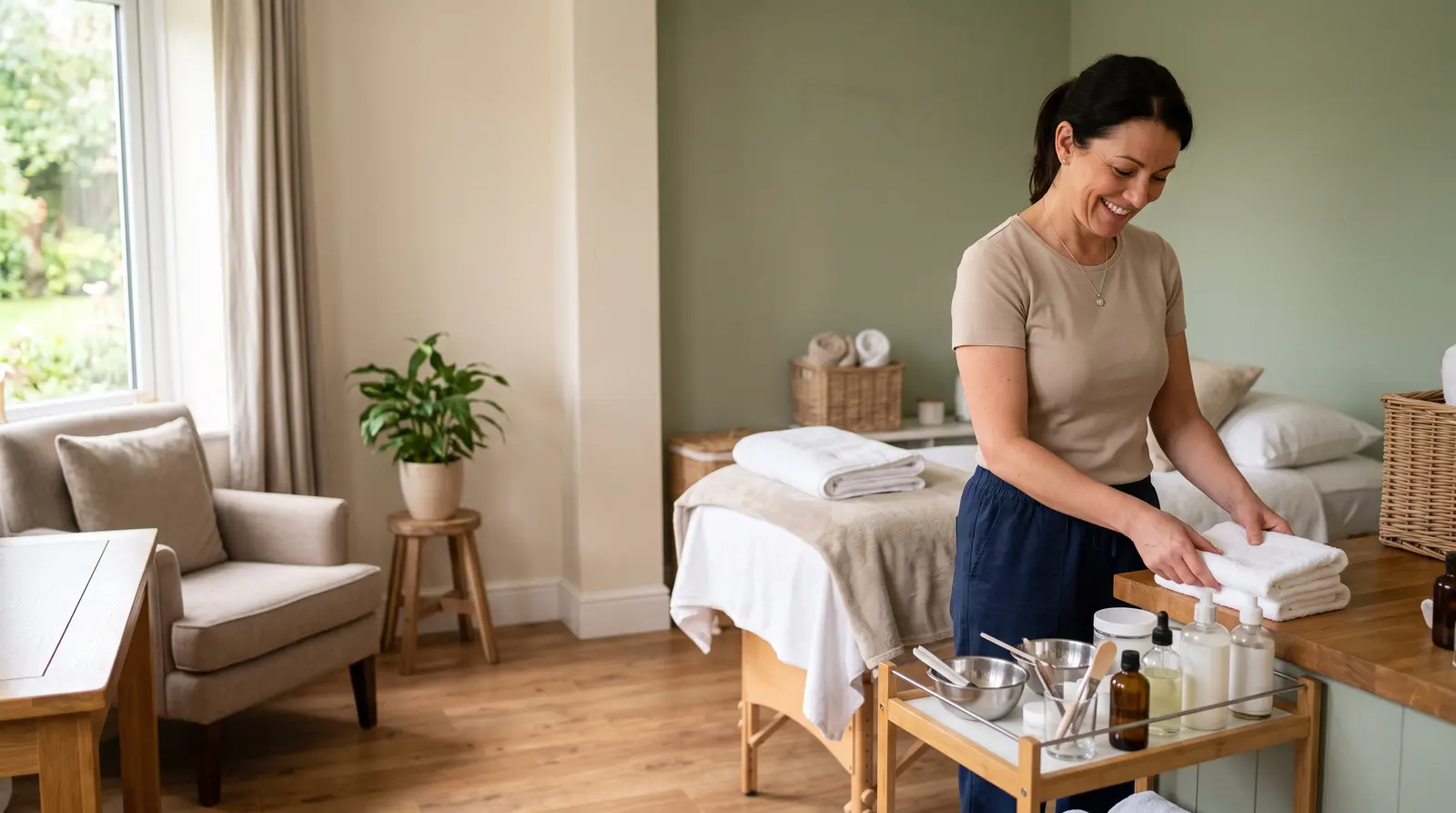
A beauty therapist tidying her calm treatment room between clients
FWFern Wells Massage
  1. 1Free 15-minute call15 minFree
  2. 2Sports massage1 hr£50
  3. 3Deep tissue massage1 hr 30 min£70

A treatment room in Didsbury, Manchester
Every service on one booking page, each with its own length and price.

2Your hours

Only the times you are really free

Set the hours you work, and your page offers only those. A time that is taken disappears from the page, so the same slot cannot be booked twice, and the buffer you set after a service keeps room before the next one.

  • Bookable hours set by you, such as evenings and weekends
  • Times that are taken disappear
  • No double bookings
  • A buffer after each appointment, set per service
Find out moreStop double bookings before they happen
A plain paper diary lying closed on a desk beside a phone in morning light

October

5678910111213141516171819202122232425
09:0010:3013:0015:30
Your booking page: clients pick a day, see only the times you are free, and book in a couple of taps.

3Booking

Booked from a phone, with no app and no account

Clients open your link on any phone, choose a time and book. They do not need an app or an account. They get a confirmation by email, and the booking appears in your calendar.

  • Works on any phone, no app to download
  • No account needed to book
  • A confirmation by email
  • The booking appears in your calendar
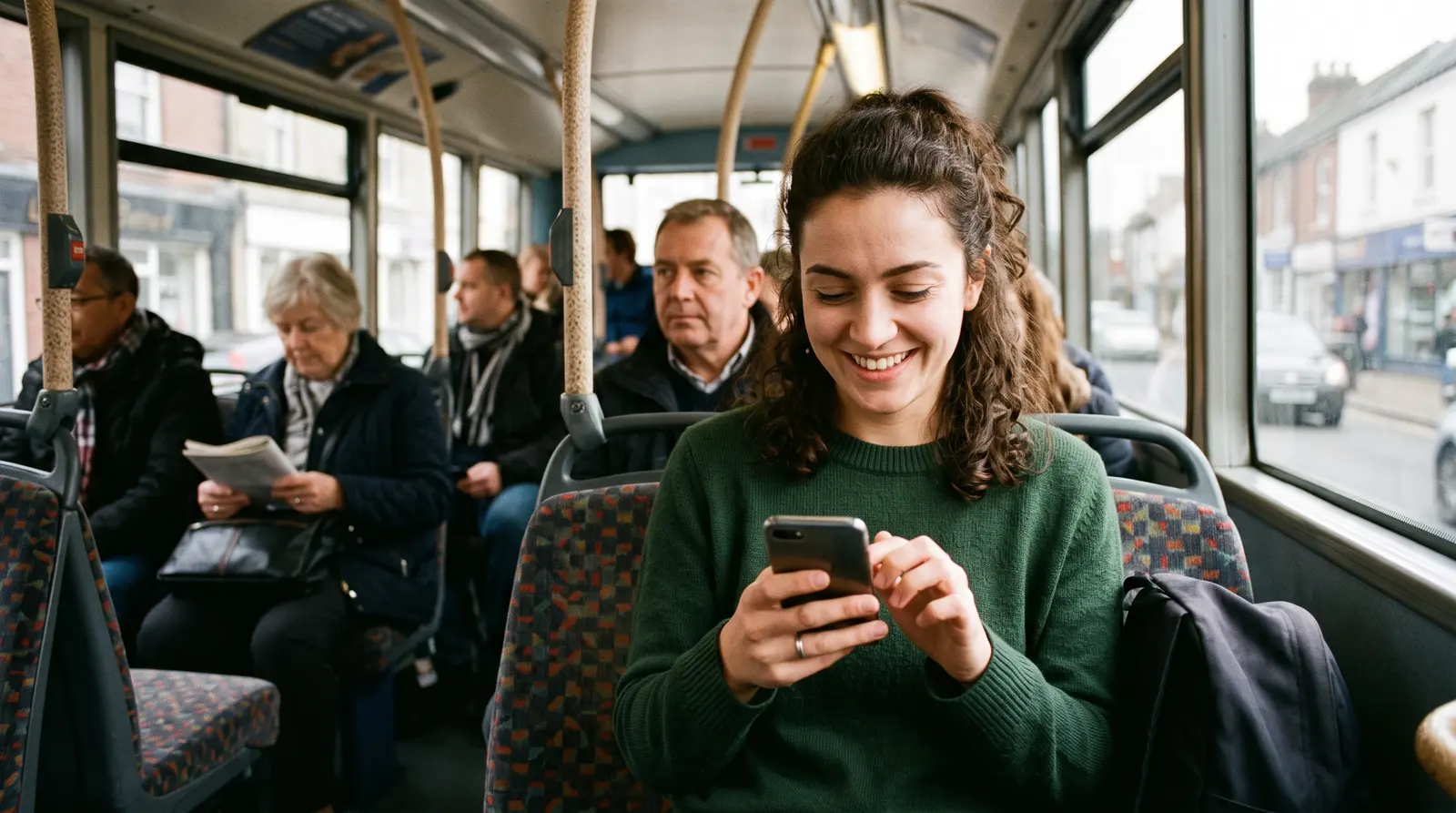
A young woman scrolling her phone on a bus and smiling
AN

Aisha Nwosu

Booked online · first visit

Private notes

Desk job, tight right shoulder. Prefers firm pressure. Parks on the road behind.

  • 14 OctDeep tissue massage£70
A new client who booked from the page, with the answers they gave and your own notes in one place.

4Paying

Take a card payment, or let them pay you in person

Take full payment by card when they book, take a card deposit and the rest on the day, or confirm the booking and be paid in person. Card is only offered where you switch it on.

  • Full payment by card at booking
  • A card deposit, with the rest on the day
  • Or confirm the booking and be paid in person
  • Card only offered where you switch it on
Find out moreTake bookings without forcing anyone to pay by card
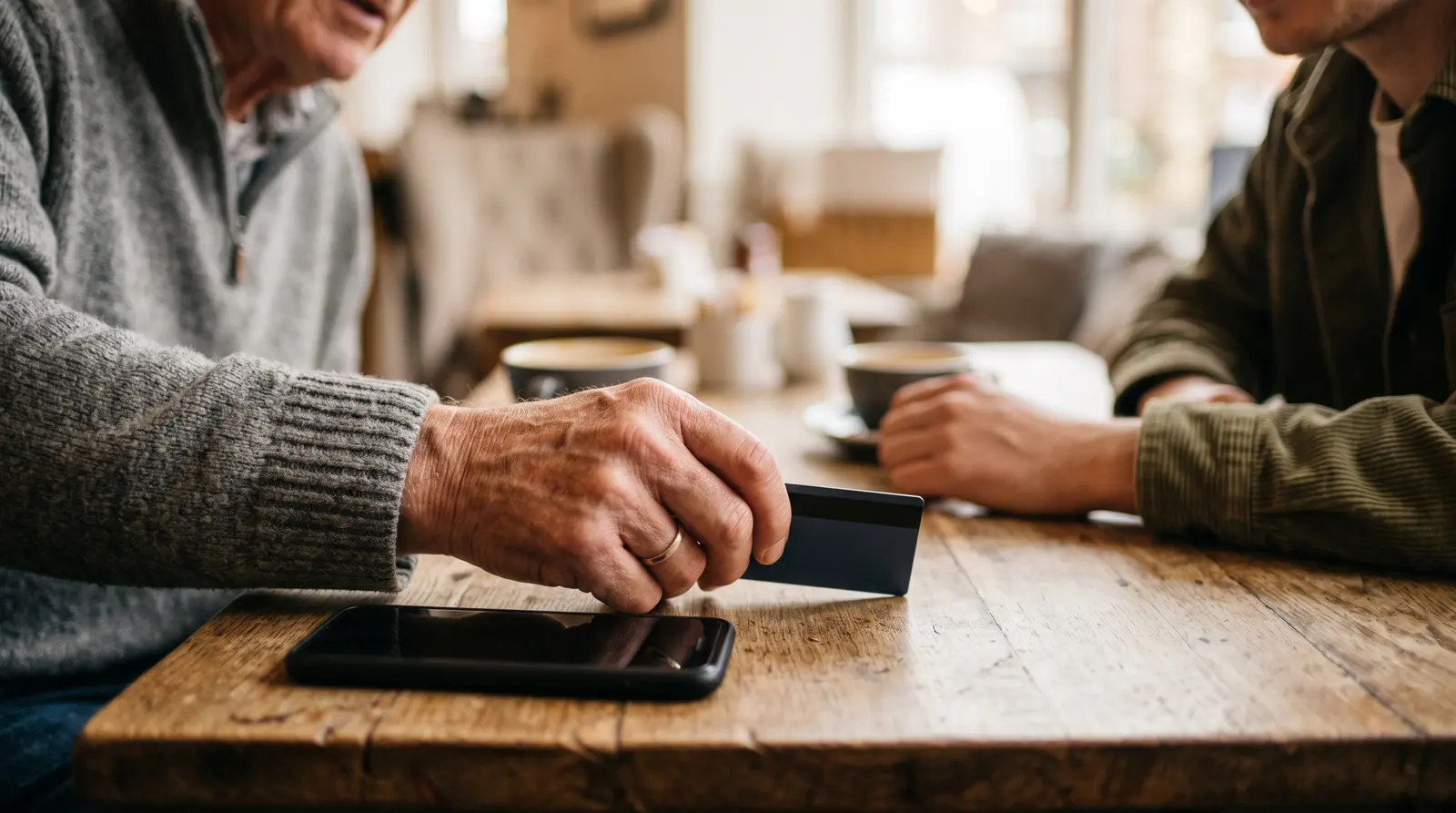
A hand holding a bank card beside a phone on a coffee table
Appointment, 90 min£60.00

A £15.00 deposit is taken now by card. The remaining £45.00 is paid on the day.

Pay £15.00 deposit
Deposits at booking: the client pays the deposit by card to secure the slot, and the rest on the day.

5Before they arrive

A reminder, and a link to move it

On the paid plan, a reminder email goes out before each appointment, with a private link to reschedule or cancel within the notice you set. If a client moves it, your diary updates on its own.

  • A reminder email before every appointment, on the paid plan
  • A private link to reschedule or cancel
  • Only within the notice period you set
  • Your calendar updates on its own
Find out moreLet clients reschedule themselves, within your rules
A phone lighting up with a notification on a bedside table beside a cup of tea
RMRiverside Mobile Pet Grooming

Hi Alex, a reminder about your upcoming booking with Riverside Mobile Pet Grooming.

GCSE maths, 60 min

Thursday 8 October, 16:00

Cancel or reschedule
Clients get a reminder email before each booking, with a link to reschedule or cancel within your notice window.

Try it on your own business

One app for everything, from £9.99 a month billed yearly. Cancel anytime. Free plan available.

What it could mean for you

What changes in your day

Fewer messages to answer

Clients pick their own time from your page, so a booking is no longer a string of texts to find a slot.

Booked while you work

Your page takes bookings late in the evening, on a Sunday or while you are with someone else, and each one lands in your diary.

One link to share

The same link goes in your social bio, at the end of a message or on a card, wherever people find you.

Your hours, kept

Only the times you set are offered, so nobody books you at a time you would rather keep for yourself.

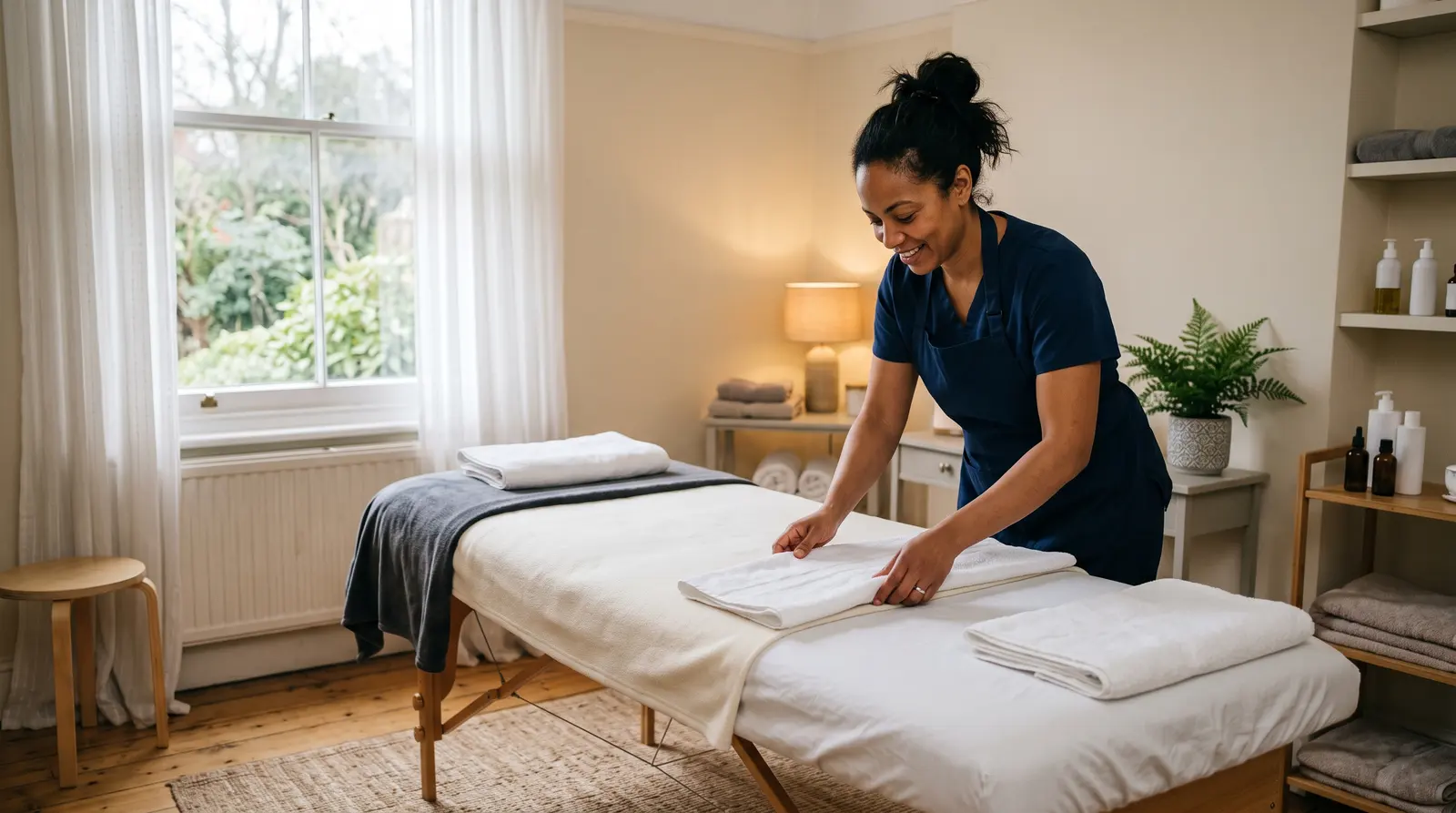
A massage therapist preparing a treatment couch

See it running

Evolution Training does this with Soopaspace.

Open Evolution Training’s page, pick a session and a time, and see exactly what a client sees.

Open their live page

A demo business with made-up clients, so click around freely.

Evolution Training's booking page, built in Soopaspace

Common questions

Do my clients need an app or an account?
No. They open your link on any phone, choose a time and book. They get their confirmation by email.
Is it really free?
Free to start, with no card and no time limit. The free plan covers your booking page, bookings, your client list and one calendar. Reminder emails, the money side and the marketing come with the paid plan. We add nothing to card payments on any plan; Stripe charges its own fee.

Not ready yet? Stay in the loop

Practical tips for running a small business, and news when Soopaspace adds something new.

One paid plan, one price

One app for the whole of it

£9.99/month, billed yearly

or £12.99 a month. Cancel any time.

  • A booking page you edit on the page itself
  • Fixed-price appointments, quoted jobs, or both
  • Group events, courses & waiting lists
  • Bundles, offers, discount codes & gift vouchers
  • On-demand services: paid now, delivered later
  • Reminders, two-way calendar sync & self-service rescheduling
  • Quotes & invoices, with overdue ones chased politely for you
  • Money, P&L, expenses & mileage

Free plan: your booking page with up to 2 types of appointment, bookings and clients, with no card and no time limit.