Free to start · paid plan from £9.99/mo billed yearly
Alternatives

A Square Appointments alternative, with payment your way

Looking at alternatives to Square Appointments? Here is what Soopaspace does: it takes card payments online through your own Stripe account, records bank transfer and cash in the same place, and keeps invoices, clients and expenses alongside your bookings.

Free to start with your booking page, bookings and clients. Everything else is one paid plan: £9.99/month billed yearly, or £12.99 monthly.

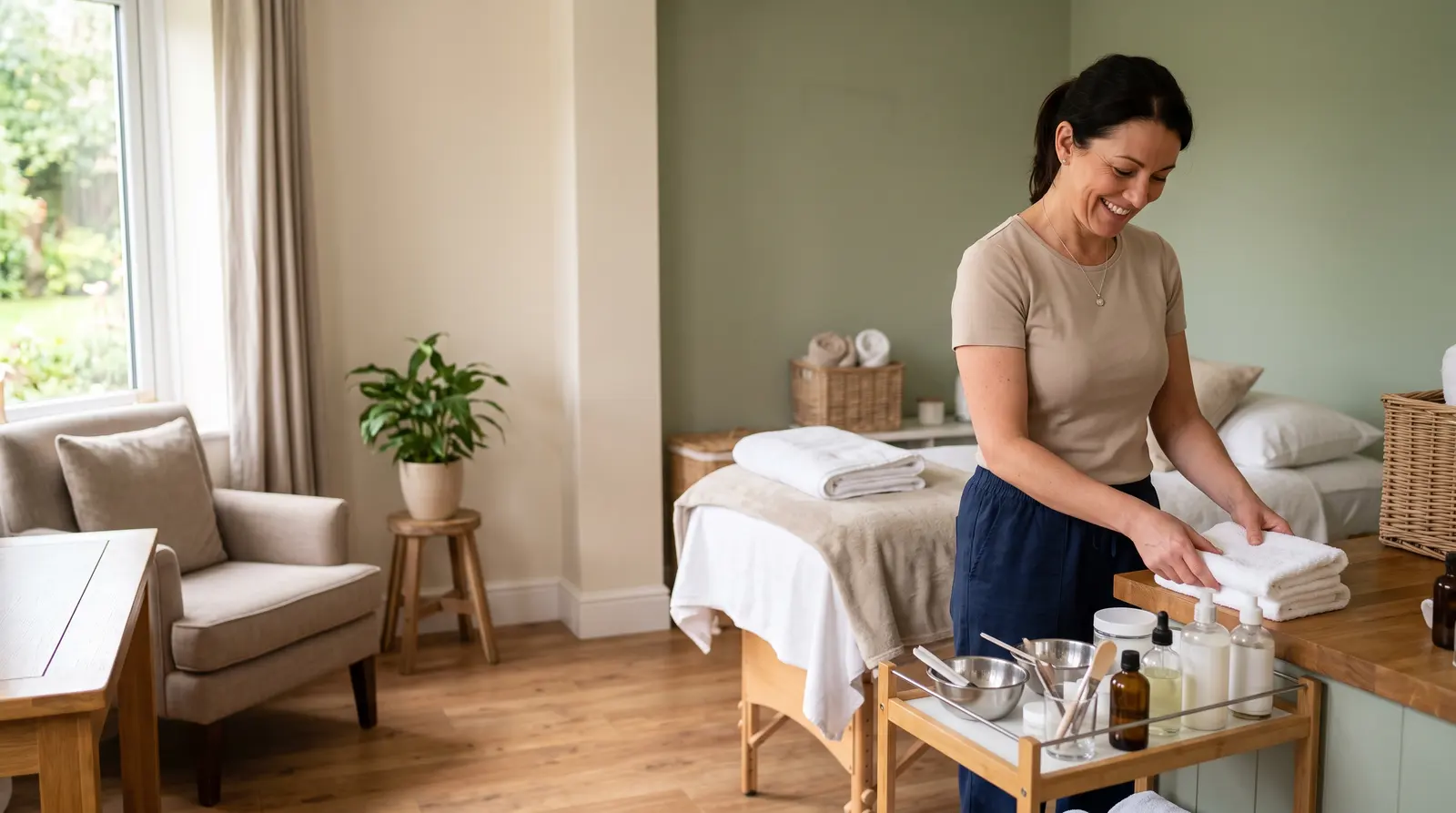
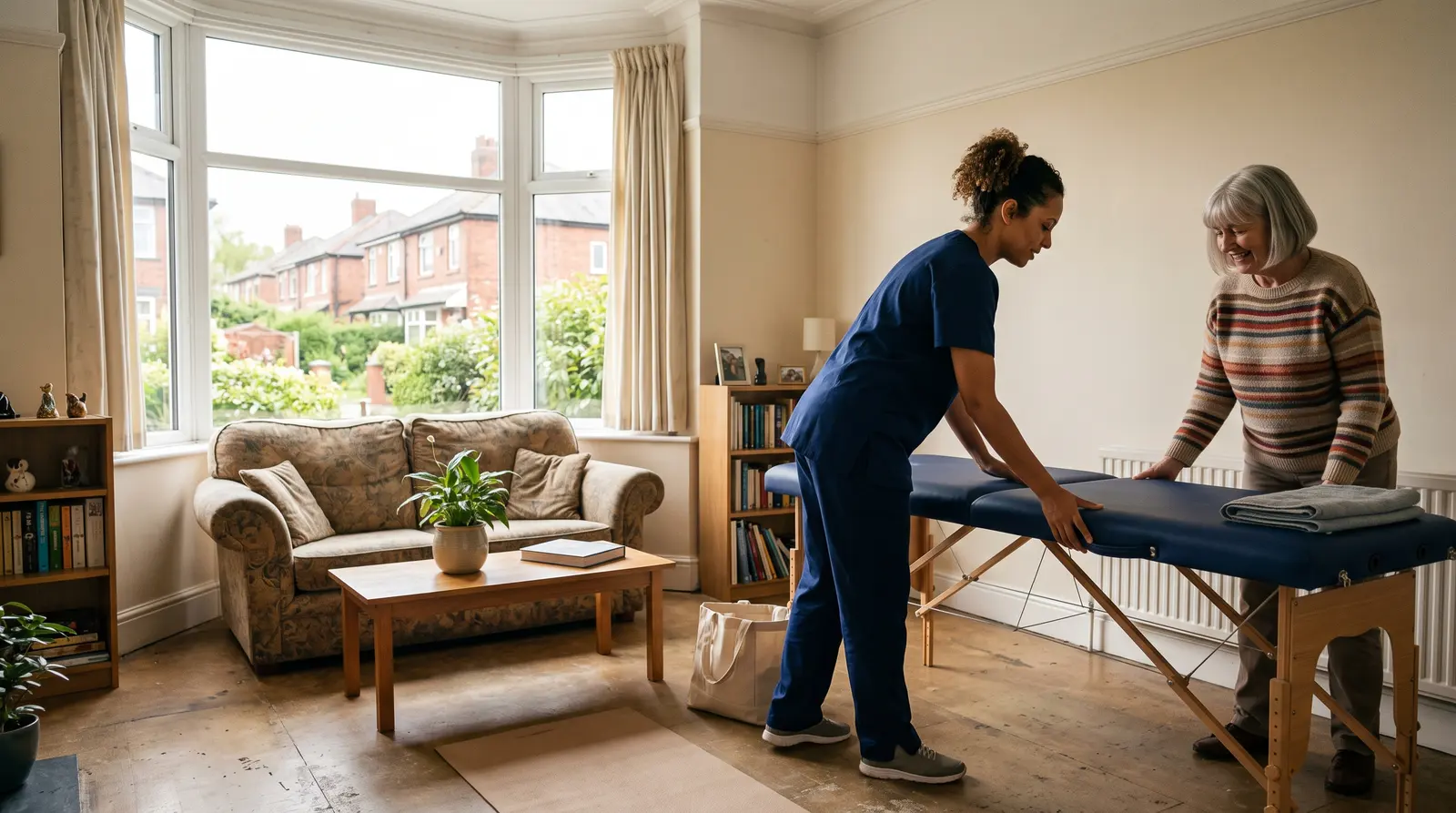
A mobile massage therapist setting up a couch in a client’s living room

Ways to pay

Your choice
  • AppointmentsCard deposit at booking, rest on the day
  • Regular cleansBank transfer or cash
  • Invoices and quotesPay by card, or bank transfer

Card goes through your own Stripe account. No card reader needed.

Quick answer

Looking at Square Appointments alternatives? Soopaspace takes card through Stripe, or cash and bank transfer, with invoices, clients and expenses alongside.

Taking payment, wherever you work

Looking at alternatives to Square Appointments? Here is what Soopaspace does. Whether your work happens in other people’s homes, on site or online, Soopaspace takes card payments online through your own Stripe account, records bank transfer and cash in the same place, and keeps the rest of the admin alongside.

What you get with Soopaspace

  • Get paid by card, bank transfer or cash, chosen for each kind of thing you sell
  • Invoices, expenses, a client CRM and a tax-year summary alongside your bookings
  • One flat UK price, simple to understand
  • Built in the UK for the self-employed, priced in pounds

1Card, online

Card payments with no hardware to buy

Card payments are taken online, through your own Stripe account, which you connect once from inside Soopaspace. A client pays when they book, or from a Pay by card button on an invoice or quote, and you get an email saying who paid and how much.

  • Your own Stripe account, connected from inside Soopaspace
  • No card reader or other hardware to buy
  • A Pay by card button on the invoices and quotes you choose
  • An email to you the moment a client pays
Find out moreInvoice payment links: let clients pay online by card
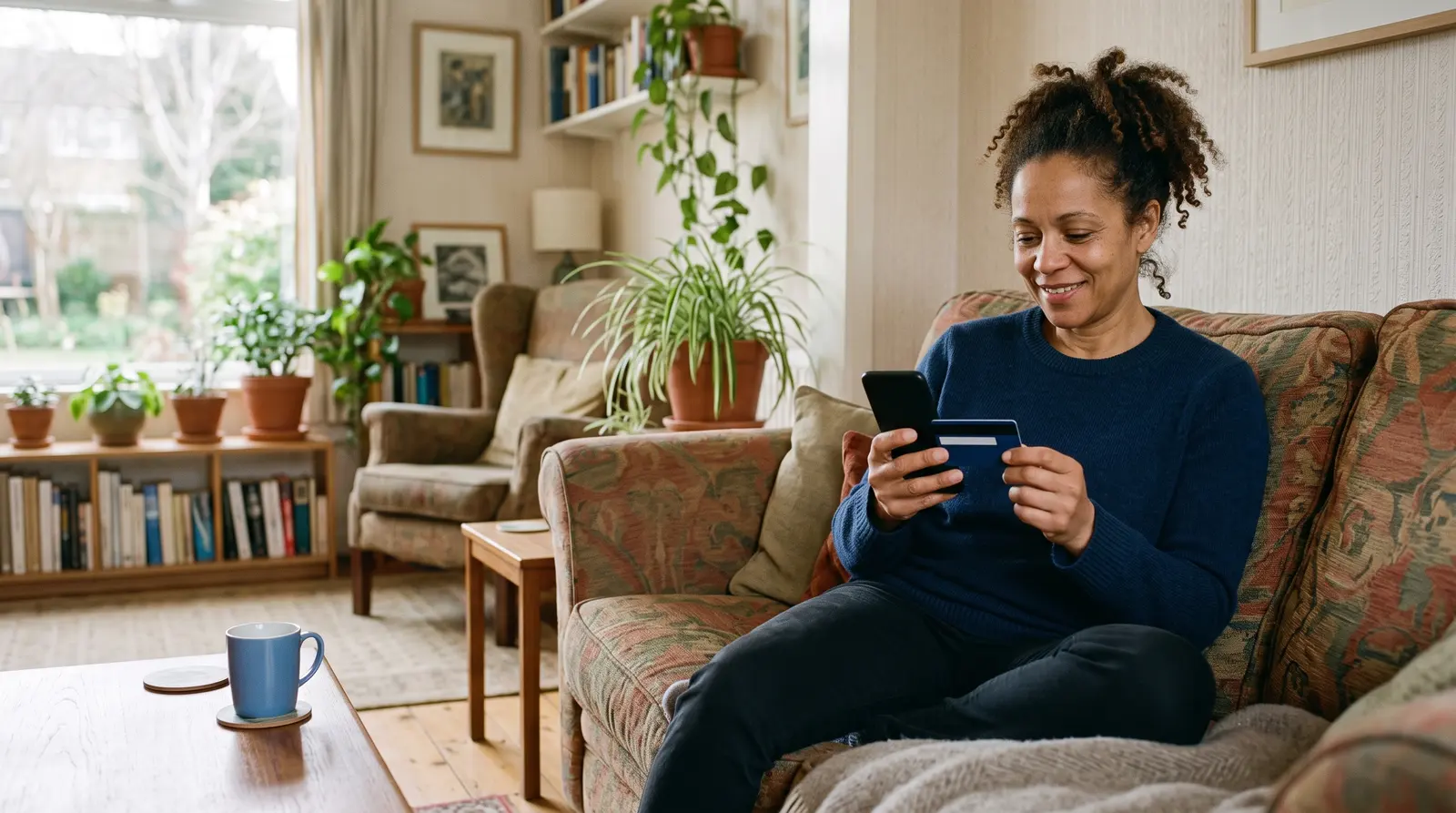
A woman on her sofa paying by card on her phone, a bank card in her other hand

Sam Patel paid the £500.00 deposit by card

Paid now: £500.00

Total: £2,000.00

Left to pay: £1,500.00

It is recorded as the deposit received.
The moment a client pays by card, you get an email saying who paid, how much, and what is left.

2Cash and bank transfer

The ways you already get paid, recorded in the same place

Some clients hand over cash at the door and some send a bank transfer. Tick the ways you accept for each kind of thing you sell, and mark a cash or transfer payment as paid in one tap, so it sits in the same records as the card payments.

  • Cash, bank transfer or card, your choice
  • Chosen for each kind of thing you sell
  • Cash and transfers marked paid in one tap
  • Your bank details on invoices for clients who prefer a transfer
Find out moreTake bookings without forcing anyone to pay by card
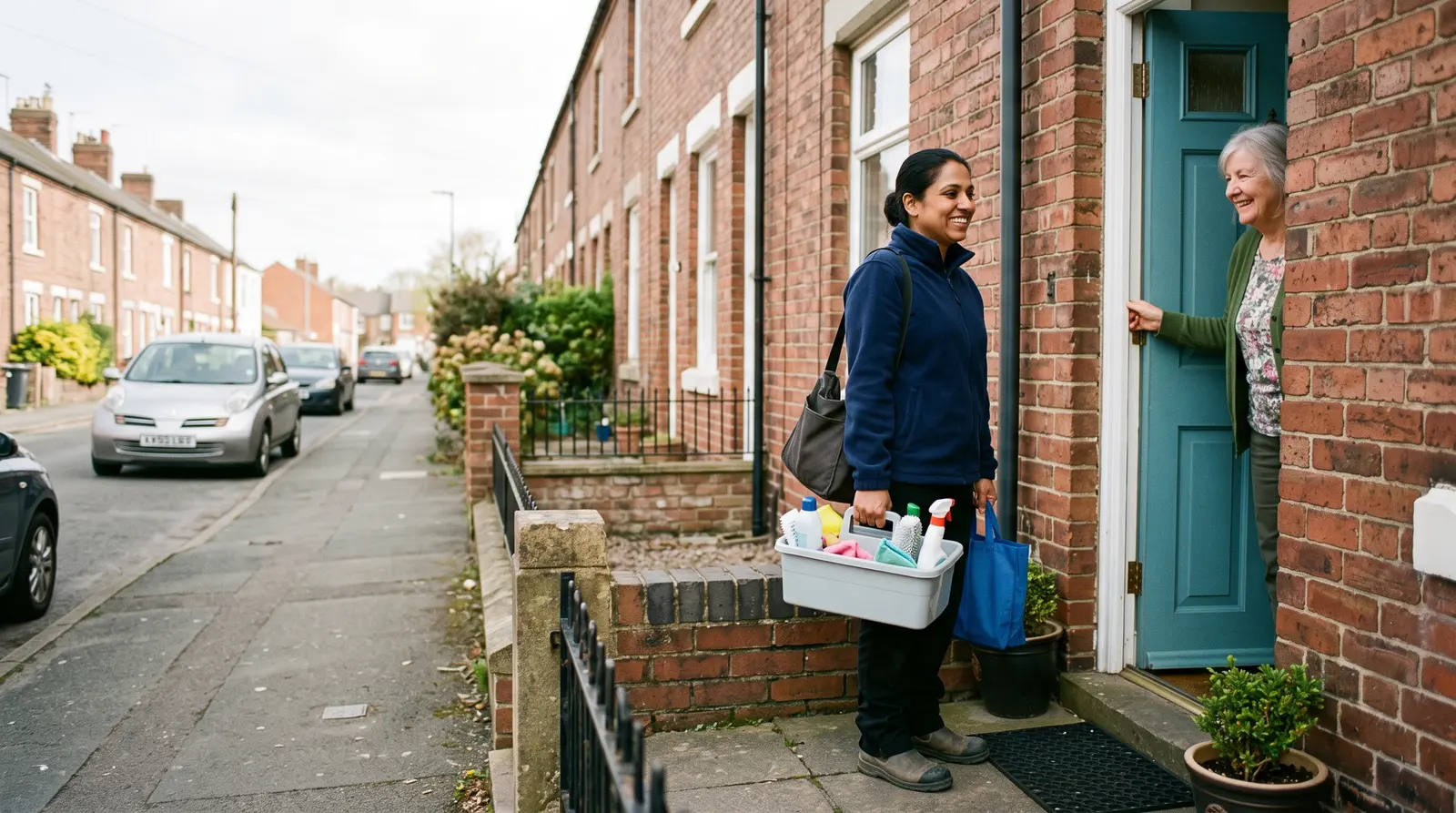
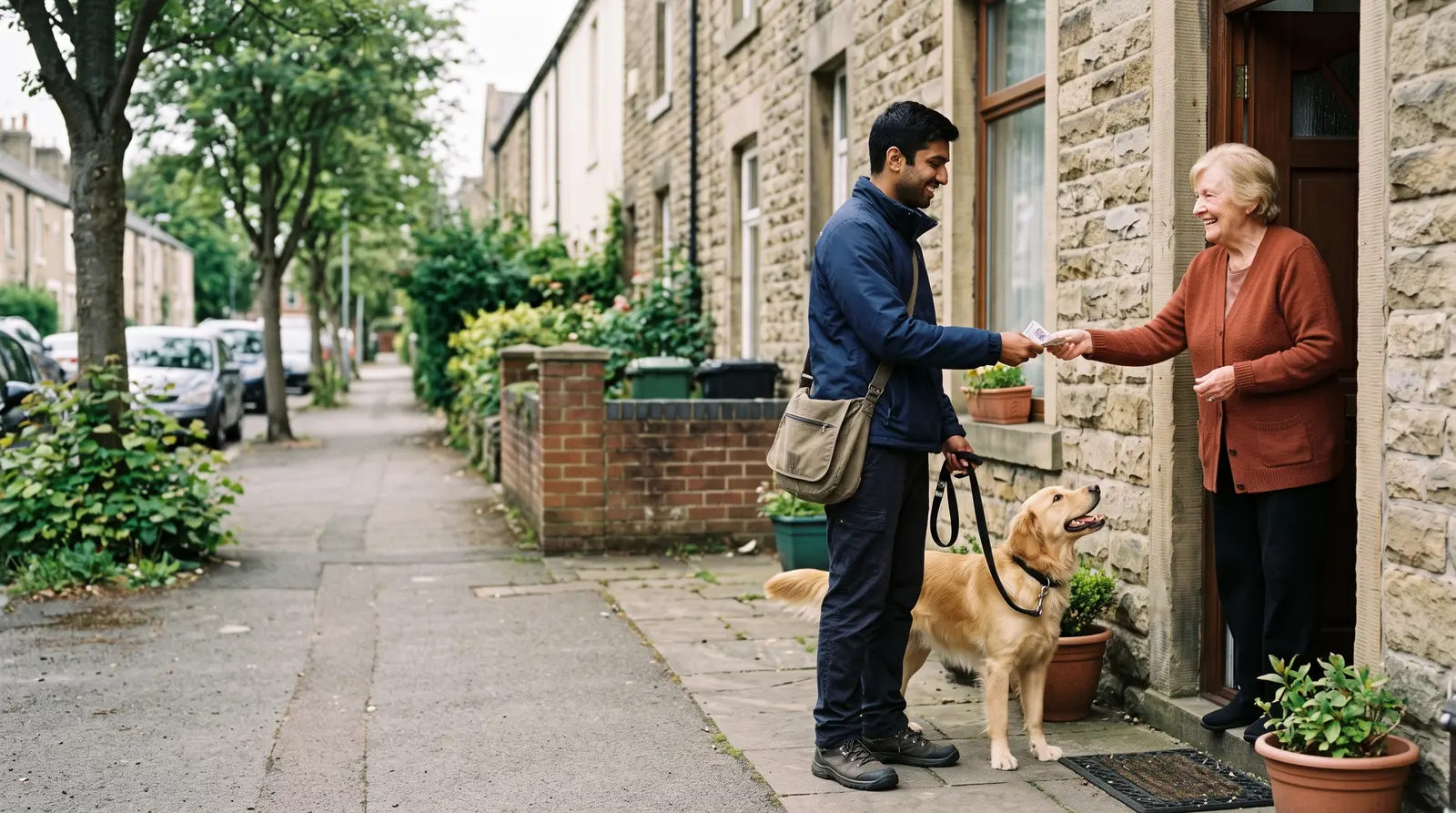
A dog walker being paid in cash at a client’s front door

Wednesday

  • Fortnightly clean · Mrs HalePaid in cash at the doorPaid
  • Deep clean · The ArnoldsBank transfer, invoice 0031Paid
  • Oven clean · Tom ReidCard deposit at bookingDeposit

Cash, transfer and card, side by side in one diary.

Cash, bank transfer and card payments recorded against the same bookings.

3Deposits

A deposit to hold the slot, taken by card

Set a fixed deposit on any service and it is taken by card at booking, with the balance shown as due on the day. Each service has its own deposit or none, so you only ask for one where it matters to you.

  • A fixed deposit per service
  • Taken by card at booking
  • The balance shown as due on the day
  • No deposit on the services that do not need one
Find out moreTake a deposit before a booking, and help cut no-shows
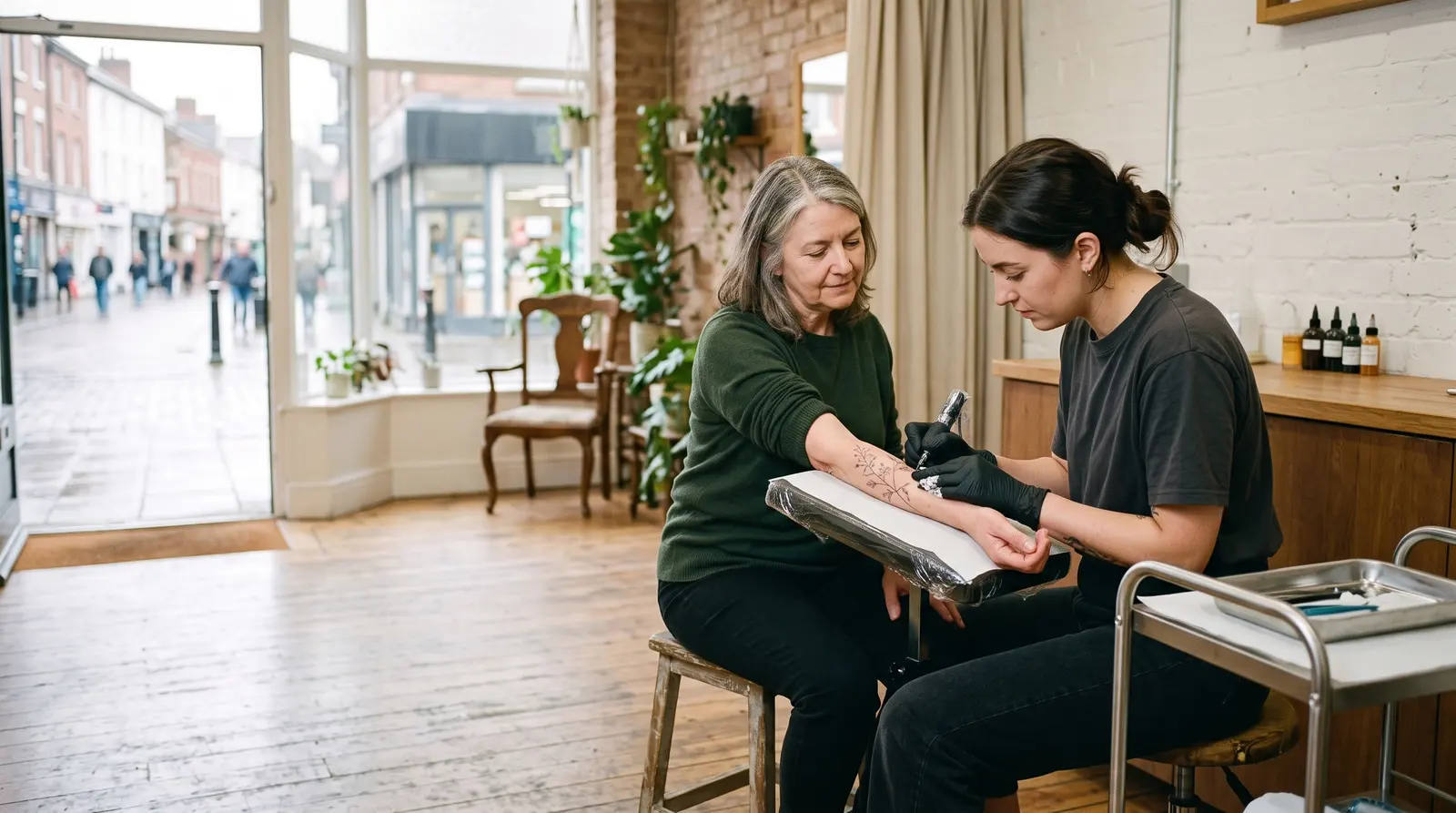
A tattoo artist and a client looking at pencil sketches together
Appointment, 90 min£60.00

A £15.00 deposit is taken now by card. The remaining £45.00 is paid on the day.

Pay £15.00 deposit
Deposits at booking: the client pays the deposit by card to secure the slot, and the rest on the day.

4Invoices and clients

Invoices and the client list, beside the bookings

Invoices are made in the same app as your bookings and clients, with your own details and numbering. Every client has their own page with each visit, what it cost and your private notes, and anything unpaid sits in one list marked Due or Overdue.

  • Invoices with your own details and numbering
  • A deposit already paid comes off what is left
  • Every visit and your private notes on the client’s page
  • Paid, due and overdue at a glance
Find out moreInvoicing software for sole traders that makes paying easy
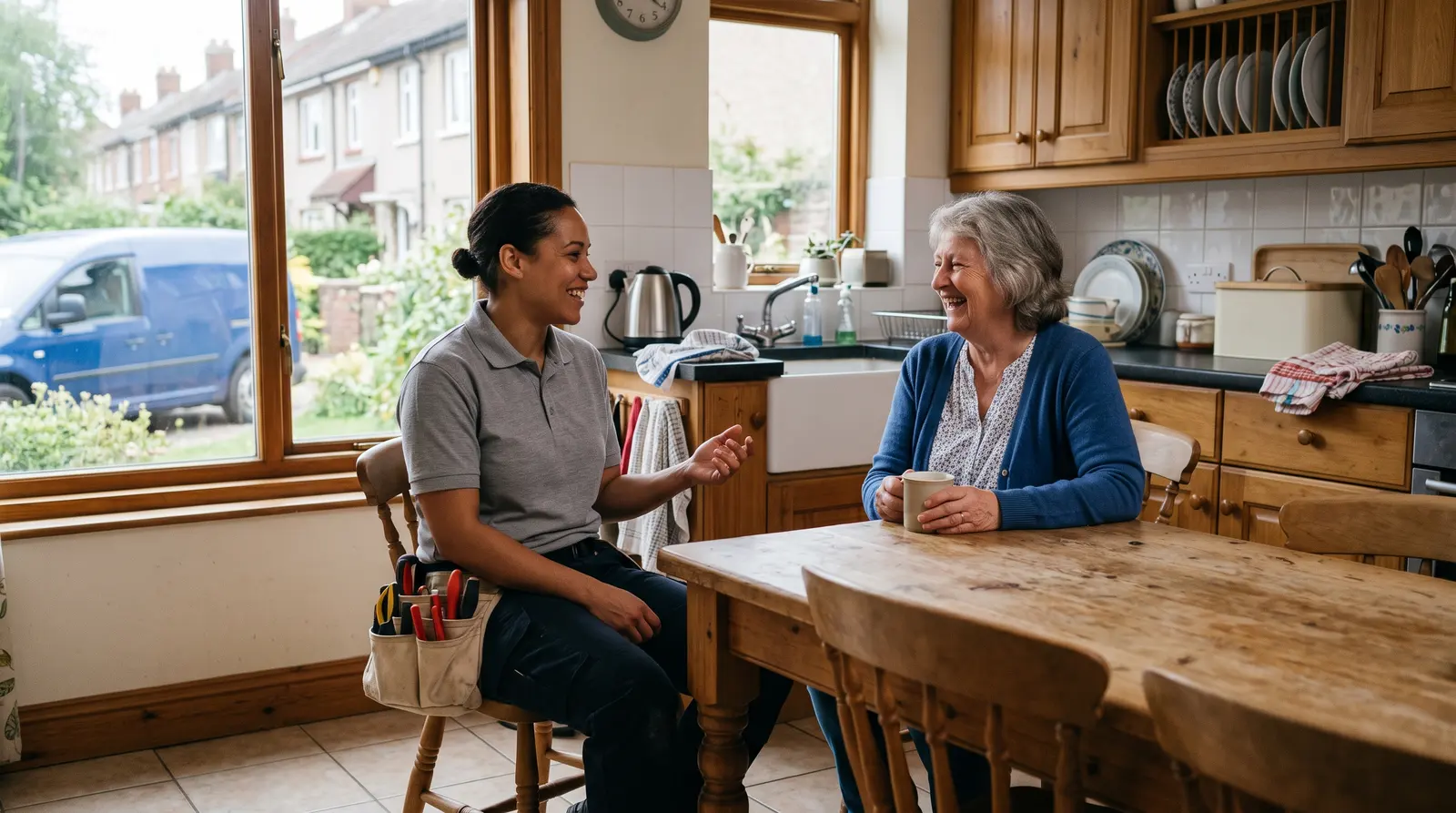
A plumber chatting with a homeowner in her kitchen after finishing a job

Riverside Mobile Pet Grooming

12 Quay Street, Leith

Invoice

INV-0042

Fitted shelving£480.00

Materials£120.00

Total£600.00

Deposit paid−£150.00

Left to pay£450.00

Pay the £450.00 balance by card
An invoice with your numbering, address and bank details. A deposit already paid comes off what is left to pay.

5The year

Expenses and mileage, ready for the tax year

Take a photo of a receipt and the expense fills itself in, ready to check and save. Mileage sits alongside, income from your bookings is counted for you, and the tax-year summary downloads as a file for you or your accountant.

  • Expenses from a photo of the receipt
  • Mileage, kept alongside your expenses
  • A tax-year summary that downloads as a file
  • Income files to import into Xero, QuickBooks or FreeAgent
Find out moreYour records in one place for Self Assessment
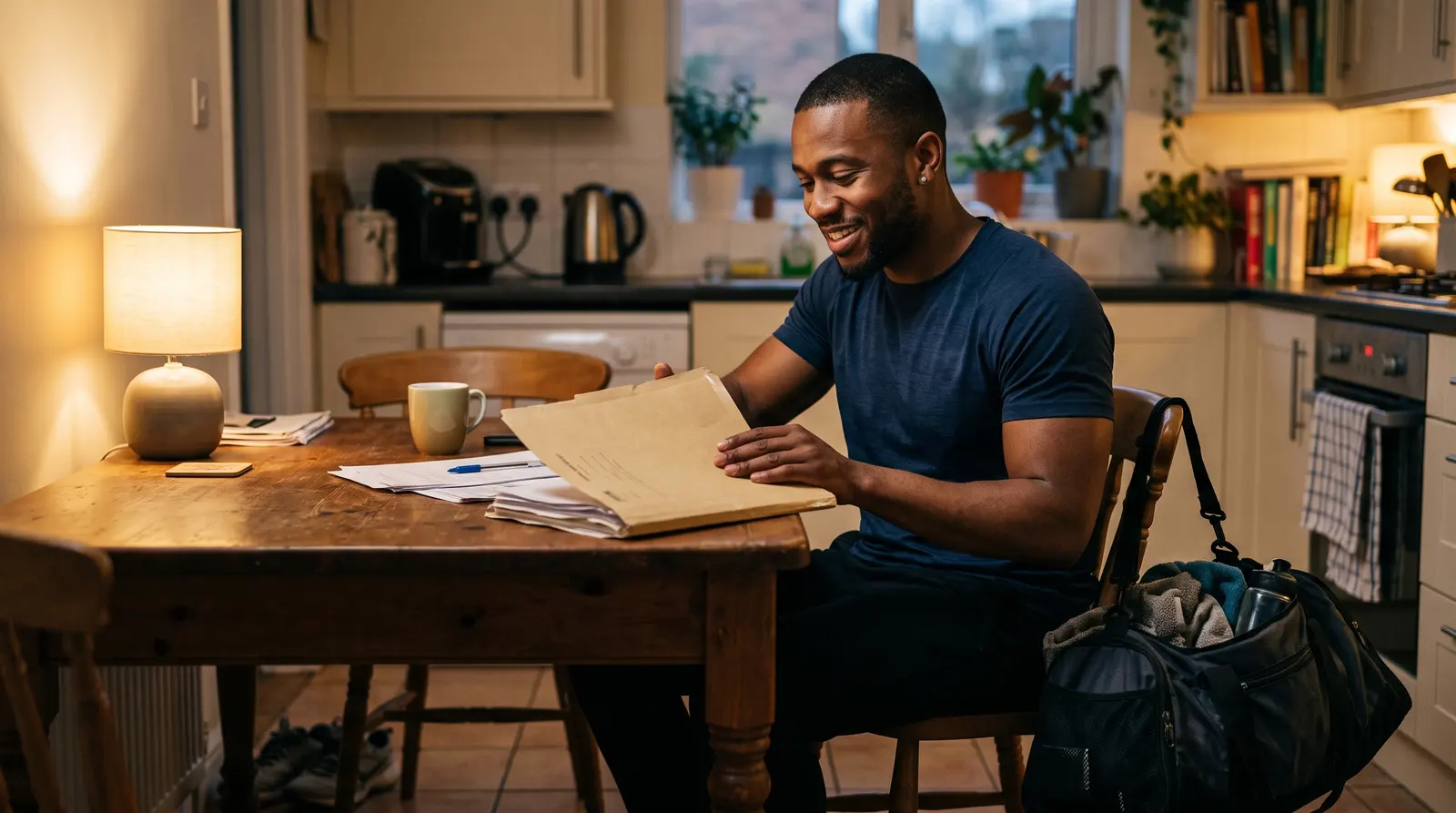
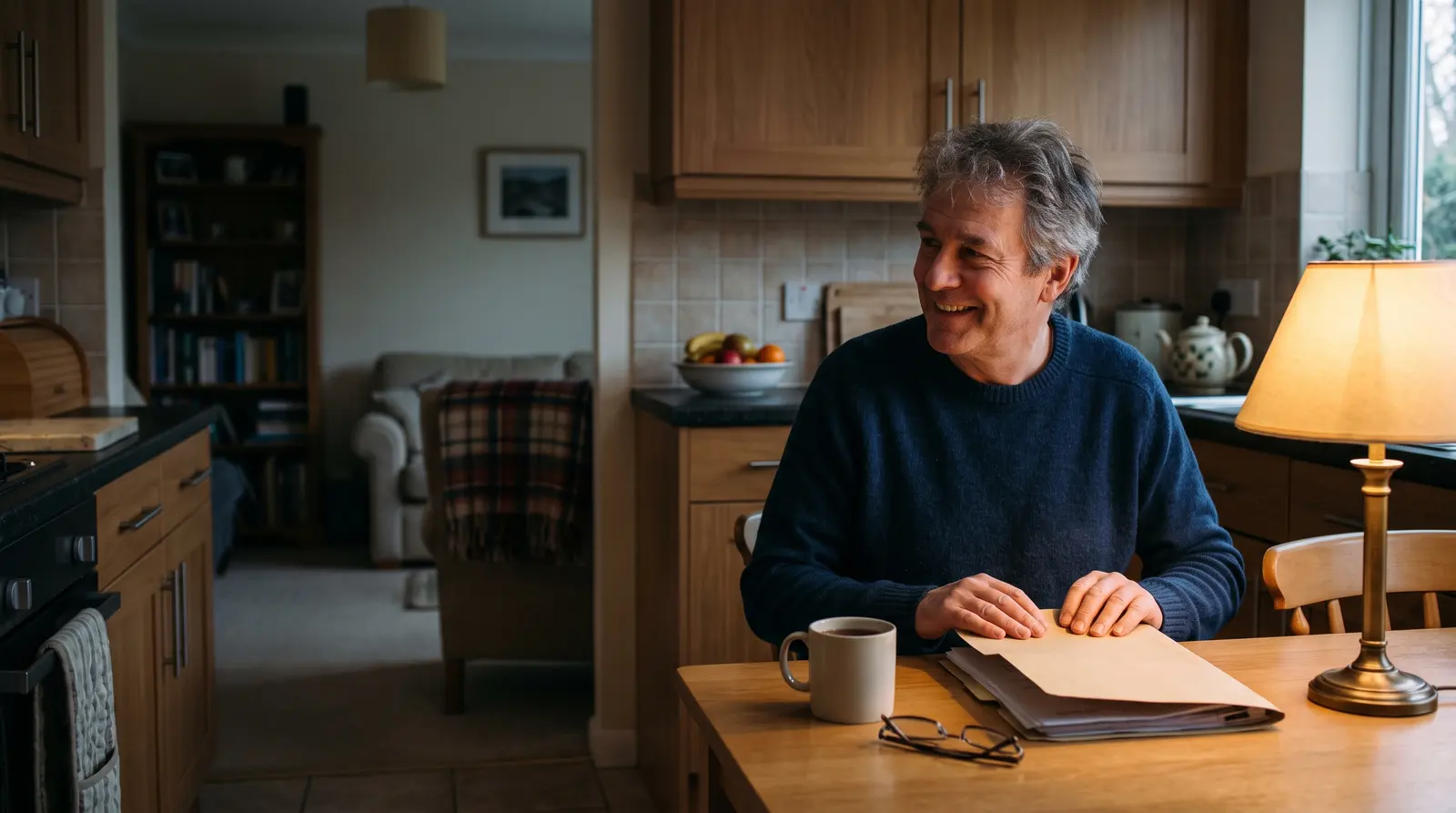
A personal trainer at a kitchen table closing a folder of paperwork with a relieved smile, a gym bag by the chair
Needs you

£120 overdue across 3 sessions

Booked this month

£3,240

Kept after costs

£2,430

Your money in one place: what is booked, what is overdue, and what you have kept.

Try it on your own business

One app for everything, from £9.99 a month billed yearly. Cancel anytime. Free plan available.

What it could mean for you

What changes in how you get paid

Nothing to carry

Card payments happen online, so there is no reader to charge or keep in the kit bag.

Every payment in one record

Cash, bank transfer and card all sit against the same bookings and invoices.

Your rules for each thing you sell

A deposit on one service, bank transfer on another, card on an invoice, chosen by you.

The year adds itself up

Income, expenses and mileage sit together, with a tax-year summary to download for you or your accountant.

Common questions

Do I need a card reader to use Soopaspace?
No. Card payments are taken online through Stripe, and you can also accept bank transfer or cash. There is no hardware to buy.

Not ready yet? Stay in the loop

Practical tips for running a small business, and news when Soopaspace adds something new.

One paid plan, one price

One app for the whole of it

£9.99/month, billed yearly

or £12.99 a month. Cancel any time.

  • A booking page you edit on the page itself
  • Fixed-price appointments, quoted jobs, or both
  • Group events, courses & waiting lists
  • Bundles, offers, discount codes & gift vouchers
  • On-demand services: paid now, delivered later
  • Reminders, two-way calendar sync & self-service rescheduling
  • Quotes & invoices, with overdue ones chased politely for you
  • Money, P&L, expenses & mileage

Free plan: your booking page with up to 2 types of appointment, bookings and clients, with no card and no time limit.