
Free to start · paid plan from £9.99/mo billed yearly
Invoicing without a separate app

Invoicing software for sole traders that makes paying easy

Soopaspace keeps invoices next to your bookings and clients: build one in a minute, send it in a clean email, and see the moment it is paid, or late.

Free to start with your booking page, bookings and clients. Everything else is one paid plan: £9.99/month billed yearly, or £12.99 monthly.

A photographer finishing a job at her desk

Invoice INV-0058

Due 17 Oct
  • Garden clear-outBack garden, two days£420
  • Green waste removalTwo loads£60
  • Hedge trim, frontPrivet, both sides£75

Total £555. Pay by card, or by bank transfer to the details below.

Quick answer

Soopaspace keeps invoicing next to your bookings and clients: build a numbered invoice in a minute with your address, bank details and payment terms, and send it in a clean branded email. Clients can pay by card or bank transfer, you see when it is paid or overdue, and late ones are chased for you.

Invoices that live next to the work

Most invoicing tools sit apart from the rest of the business, so every invoice starts with copying names and prices from somewhere else. In Soopaspace, invoices sit next to your bookings and clients: build one in a minute, send it in a clean email, and see the moment it is paid, or late.

1Building it

A proper invoice in a minute

Pick the client, tap in lines from your services or the lines you use most, and Soopaspace numbers it for you. Your address, bank details and your own footer are on every invoice, and the due date is set from your usual payment terms.

  • Automatic invoice numbering
  • Your address, bank details and footer on every invoice
  • A due date set from your usual payment terms
  • Your VAT number and VAT on each line, if you are registered
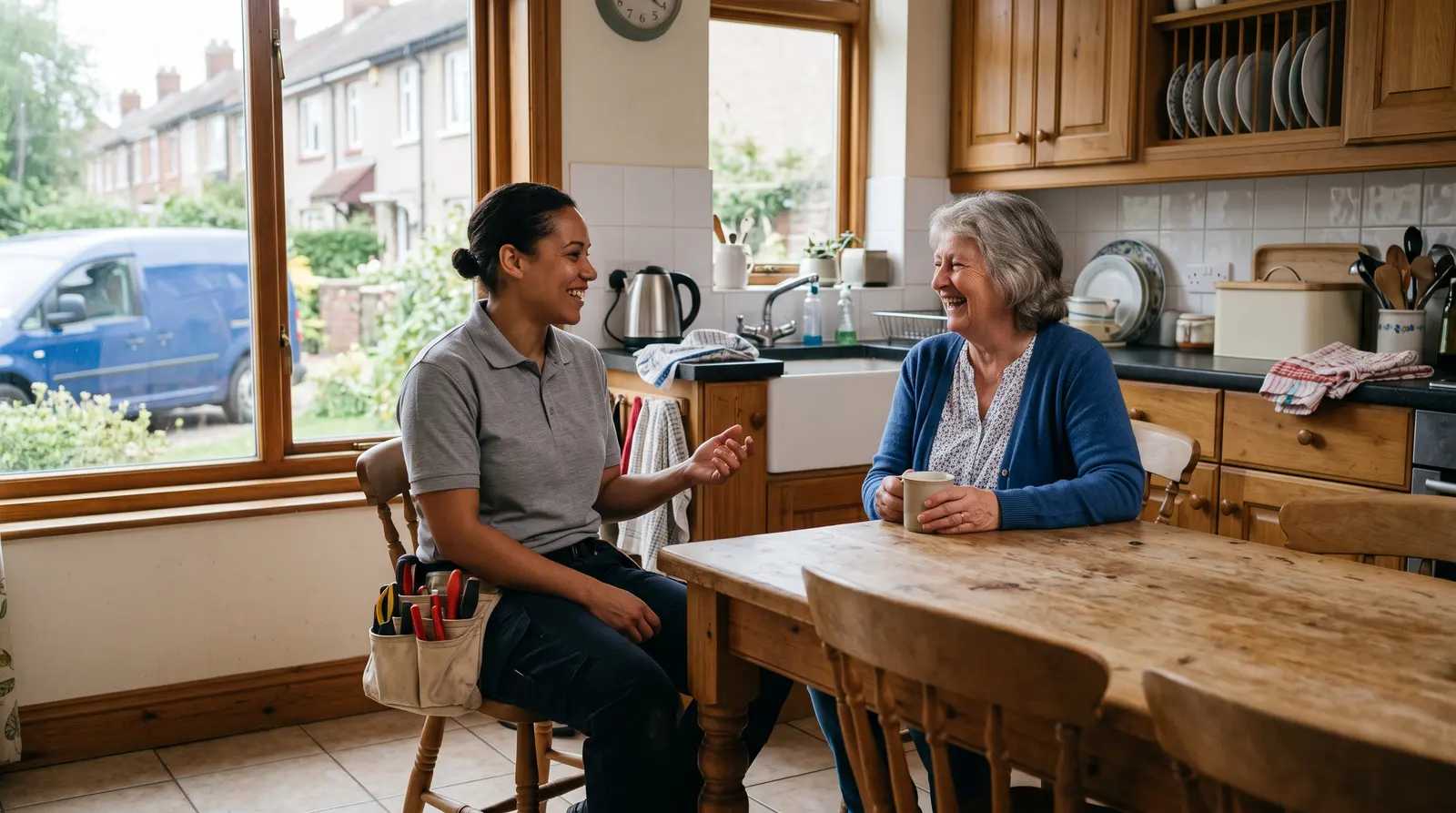
A plumber chatting with a homeowner in her kitchen after finishing a job, both relaxed

Riverside Mobile Pet Grooming

12 Quay Street, Leith

Invoice

INV-0042

Fitted shelving£480.00

Materials£120.00

Total£600.00

Deposit paid−£150.00

Left to pay£450.00

Pay the £450.00 balance by card
An invoice with your numbering, address and bank details. A deposit already paid comes off what is left to pay.

2Sending it

Sent in an email that looks the part

Your invoice goes out in a clean email carrying your business name and colours. You see exactly what your client will receive before it sends, and their replies come straight to you. Need a paper copy? Print it, or save it as a PDF from any browser.

  • Your business name and colours on the email
  • A preview of exactly what your client will see
  • Replies straight to your own inbox
  • Print it, or save it as a PDF
A tutor at her desk in the evening with a laptop and a mug, planning next week

Before it sends

Preview
  • ToHelen Carmichael
  • FromFernbank Garden Care, in your colours
  • InvoiceINV-0058, due 17 Oct£555
  • Pay by cardA button on the invoiceOn

Replies come straight to you.

You see exactly what your client will receive before the invoice sends.

3Getting paid

Paid by card, or by bank transfer

Tick “Let them pay by card” and the invoice carries a Pay by card button, paid straight into your own Stripe account. Your bank details sit on the invoice for anyone who prefers a transfer. A card payment marks the invoice paid and emails you, and a transfer is marked paid in one tap.

  • A Pay by card button, paid into your own Stripe account
  • Your bank details on the invoice for a transfer
  • The invoice marks itself paid when a card payment arrives
  • An email to you the moment a client pays
Find out moreInvoice payment links: let clients pay online by card
A gardener sitting on the tailgate of his pickup with a flask of tea, checking his phone

Sam Patel paid the £500.00 deposit by card

Paid now: £500.00

Total: £2,000.00

Left to pay: £1,500.00

It is recorded as the deposit received.

The moment a client pays by card, you get an email saying who paid, how much, and what is left.

4When it is late

Due, then overdue, then chased

An invoice reads Due until its due date has passed, then Overdue. Switch on automatic reminders and polite chasers go out on your schedule, counted from the due date, each with the same Pay by card button, so you are not the one keeping track.

  • Due and Overdue shown on every invoice
  • Up to three reminders, on the days you choose
  • Each reminder sends itself or waits for you
  • An invoice’s payment link stays open for a year
Find out moreChase overdue invoices automatically, and politely
A gardener edging a lawn with long-handled shears beside a flower border

Automatic reminders · On

  1. 1

    Friendly reminder

    after 7 days

    Sends itself
  2. 2

    Firmer follow-up

    after 14 days

    Sends itself
  3. 3

    Final reminder

    after 21 days

    I’ll send it
Automatic reminders: up to three, on the days you choose (7, 14 and 21 to start with). Each one sends itself or waits for you.

5Quote first

Price it up front, invoice it after

For work you price up front, send a quote first. The client accepts it online and can pay a deposit by card. When the work is done, the quote becomes the invoice, with nothing typed twice and any deposit already taken off.

  • Quotes with your own line items
  • A deposit or the full amount, paid by card on the quote
  • The accepted quote becomes the invoice
  • A deposit already paid comes off what is left
Find out moreFor jobs you have to see before you can price them
A gardener and a homeowner walking along an overgrown garden border while she makes notes

Kitchen refit

Total £2,000.00 · Deposit £500.00

How much now?

The deposit (£500.00)The full £2,000.00
Accept and pay the £500.00 deposit by card
On a quote that asks for a deposit, your client chooses to pay the deposit or the full amount by card.

Try it on your own business

One app for everything, from £9.99 a month billed yearly. Cancel anytime. Free plan available.

What it could mean for you

What it changes for you

Invoices done on the day

An invoice takes a minute from your phone, so it can go out when the job finishes instead of joining a pile for the weekend.

You know where every invoice stands

Due, overdue and paid are shown on each one, so you are not searching your bank app to see who has paid.

Less chasing by hand

Polite reminders can go out on their own, counted from the due date, so you are not writing the awkward email yourself.

You look the part

Every invoice is numbered and carries your details, and arrives in a clean email in your own colours.

A plumber packing his tool bag in a client’s kitchen

Common questions

Can my clients pay an invoice by card?
Yes, once you connect a Stripe account. Tick card payment on the invoice and it carries a Pay by card button. Stripe charges its standard card fee, and the money is paid into your own account.
Does the payment link expire?
An invoice’s link stays open for a year, so a client who pays late can still use it.
Will I know when an invoice is paid?
Yes. When a client pays by card the invoice marks itself paid and you get an email straight away saying who paid and how much. Bank transfers you mark paid yourself in one tap.
What has to be on a UK invoice?
GOV.UK sets out what an invoice must include, in its guide at gov.uk/invoicing-and-taking-payment-from-customers. Its list includes a unique number, your business name, address and contact details, the customer’s name and address, a description, the date of the work and of the invoice, the amount and the total owed. Soopaspace fills in the number and dates, and adds your address and bank details once you have saved them. Check GOV.UK for what applies to you.
Is invoicing on the free plan?
Invoicing and payment reminders are part of the paid plan. Taking bookings is free.

Not ready yet? Stay in the loop

Practical tips for running a small business, and news when Soopaspace adds something new.

One paid plan, one price

One app for the whole of it

£9.99/month, billed yearly

or £12.99 a month. Cancel any time.

  • A booking page you edit on the page itself
  • Fixed-price appointments, quoted jobs, or both
  • Group events, courses & waiting lists
  • Bundles, offers, discount codes & gift vouchers
  • On-demand services: paid now, delivered later
  • Reminders, two-way calendar sync & self-service rescheduling
  • Quotes & invoices, with overdue ones chased politely for you
  • Money, P&L, expenses & mileage

Free plan: your booking page with up to 2 types of appointment, bookings and clients, with no card and no time limit.