Free to start · paid plan from £9.99/mo billed yearly
One app, not five

For people tired of juggling five different apps

Soopaspace puts bookings, invoices, payments, expenses and your client list in one app, and sends your bookings to your Google or Outlook calendar, so nothing needs copying from one tool to another.

Free to start with your booking page, bookings and clients. Everything else is one paid plan: £9.99/month billed yearly, or £12.99 monthly.

A florist arranging a bouquet in her shop

One app, not five

  • BookingsYour own booking page and diary
  • InvoicesNumbered, with your own details
  • PaymentsBy card, or the ways you already take
  • ExpensesFrom a photo of the receipt
  • ClientsEvery visit and note on one page

One login and one plan.

Quick answer

Soopaspace puts bookings, invoices, payments, expenses and your client list in one app, and sends your bookings to your Google or Outlook calendar. A booking becomes an invoice becomes a paid mark without retyping anything, so there is one login, one plan and nothing to copy between tools.

Bookings, money and clients, in the same place

A booking tool, an invoicing app, a spreadsheet for the money, a notes app for clients and a calendar to tie it together. Each one works, but you are the glue between them. Soopaspace puts all of it in one app, so a booking, its invoice and its payment live together and nothing is typed twice.

1Bookings and your calendar

Booked on your page, and on your calendar too

Clients book from your own page, picking from the times you are free. Each booking lands in your Soopaspace diary and is sent to your Google or Outlook calendar, so it sits beside the rest of your life without you copying it across.

  • Your own booking page, with your services and prices
  • Only the times you are free shown
  • Bookings sent to your Google or Outlook calendar
  • A reminder email to the client before every booking

Find out moreLet clients book a time without the back and forth
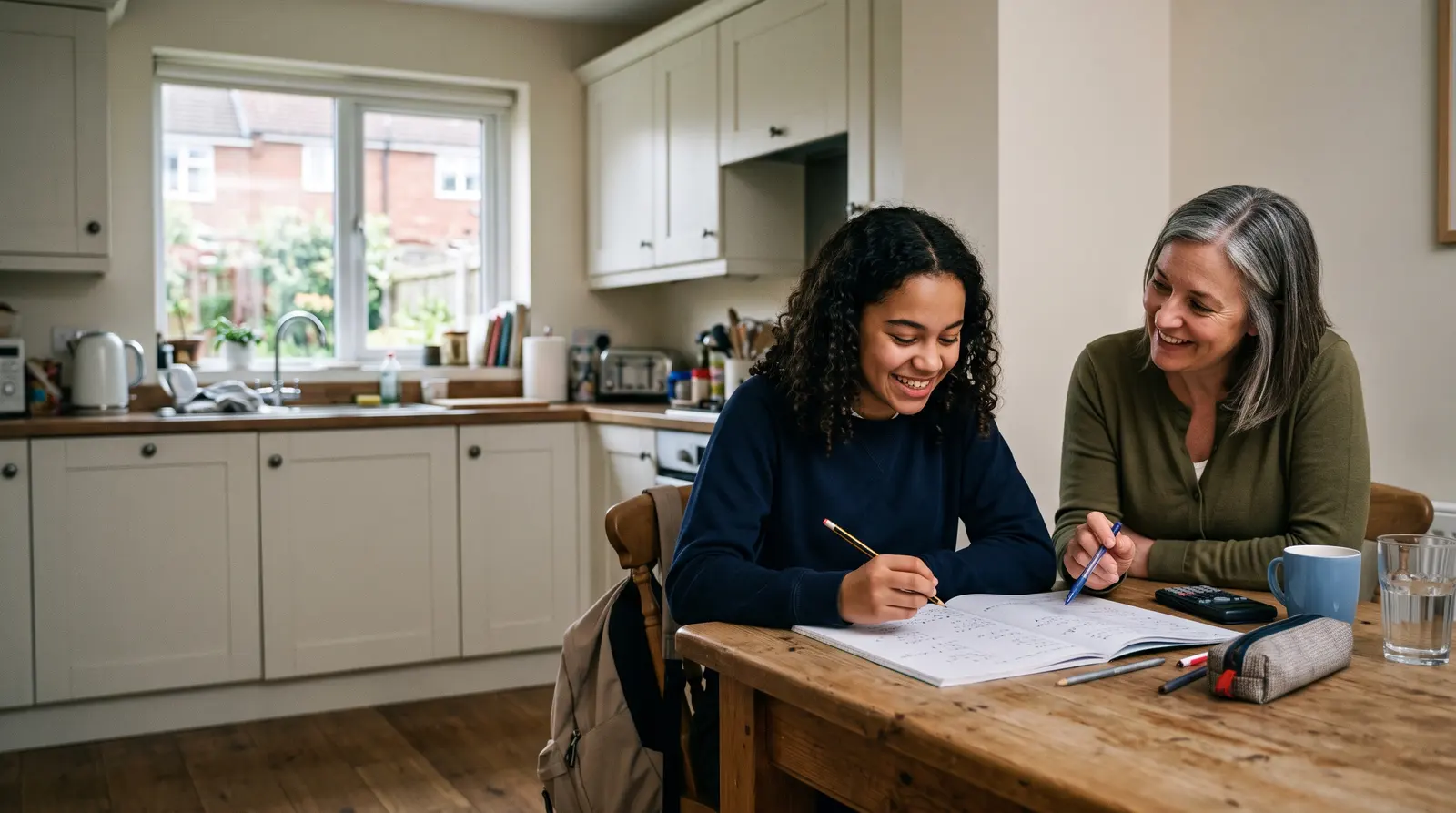
A tutor and a young student reading a book together at a table by a window

October

5678910111213141516171819202122232425
09:0010:3013:0015:30
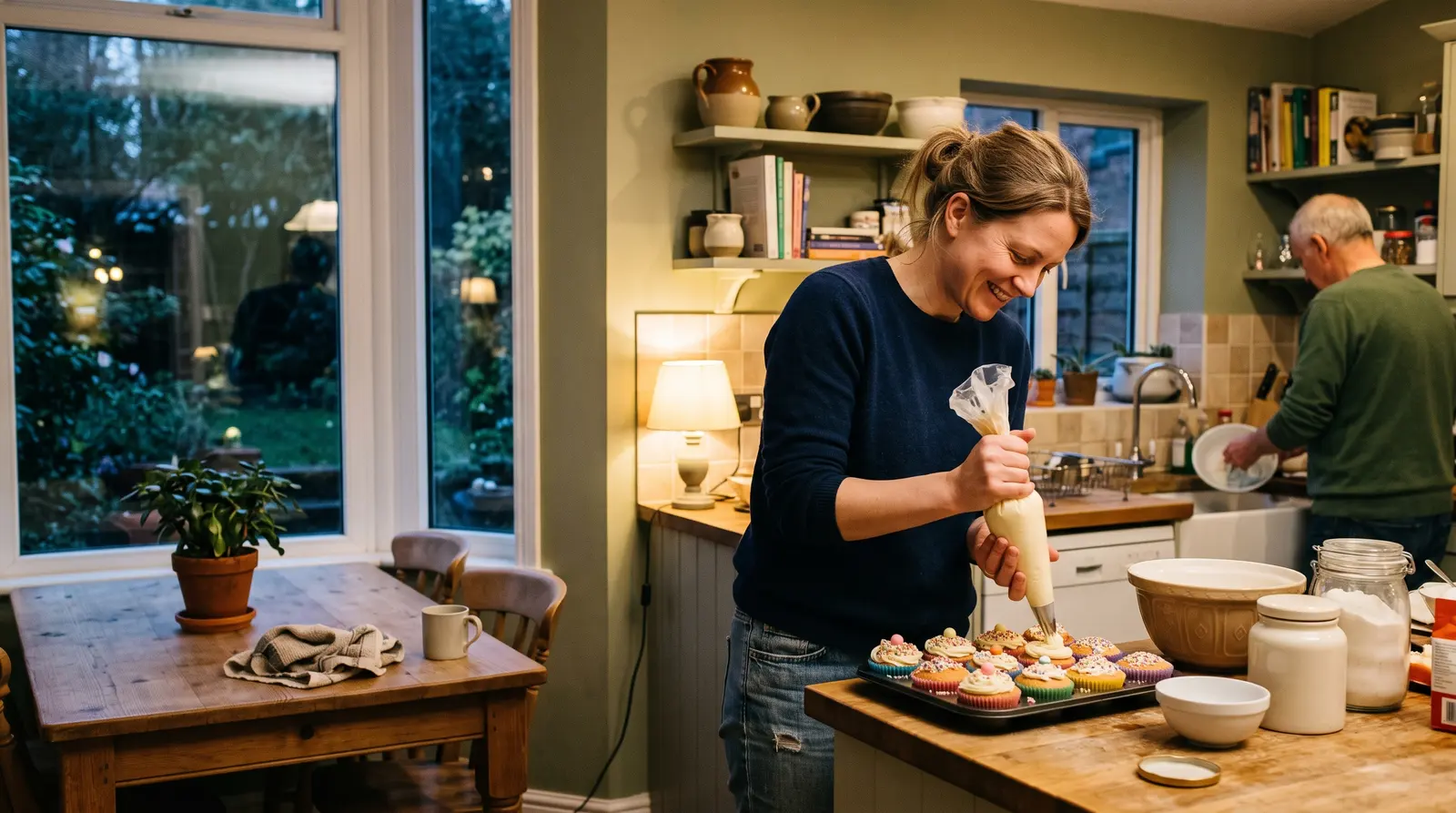
Your booking page: clients pick a day, see only the times you are free, and book in a couple of taps.

2Invoices

Invoices in the same app as the bookings

Invoices are made in the same app as your bookings and clients. Pick the client, add lines from your services, and the invoice is numbered for you with your address and bank details on it. Nothing comes over from another tool, because there is no other tool.

  • Invoices made in the same app as your bookings and clients
  • Lines added from your own services
  • Automatic invoice numbering
  • Your address, bank details and footer on every invoice
Find out moreInvoicing software for sole traders that makes paying easy
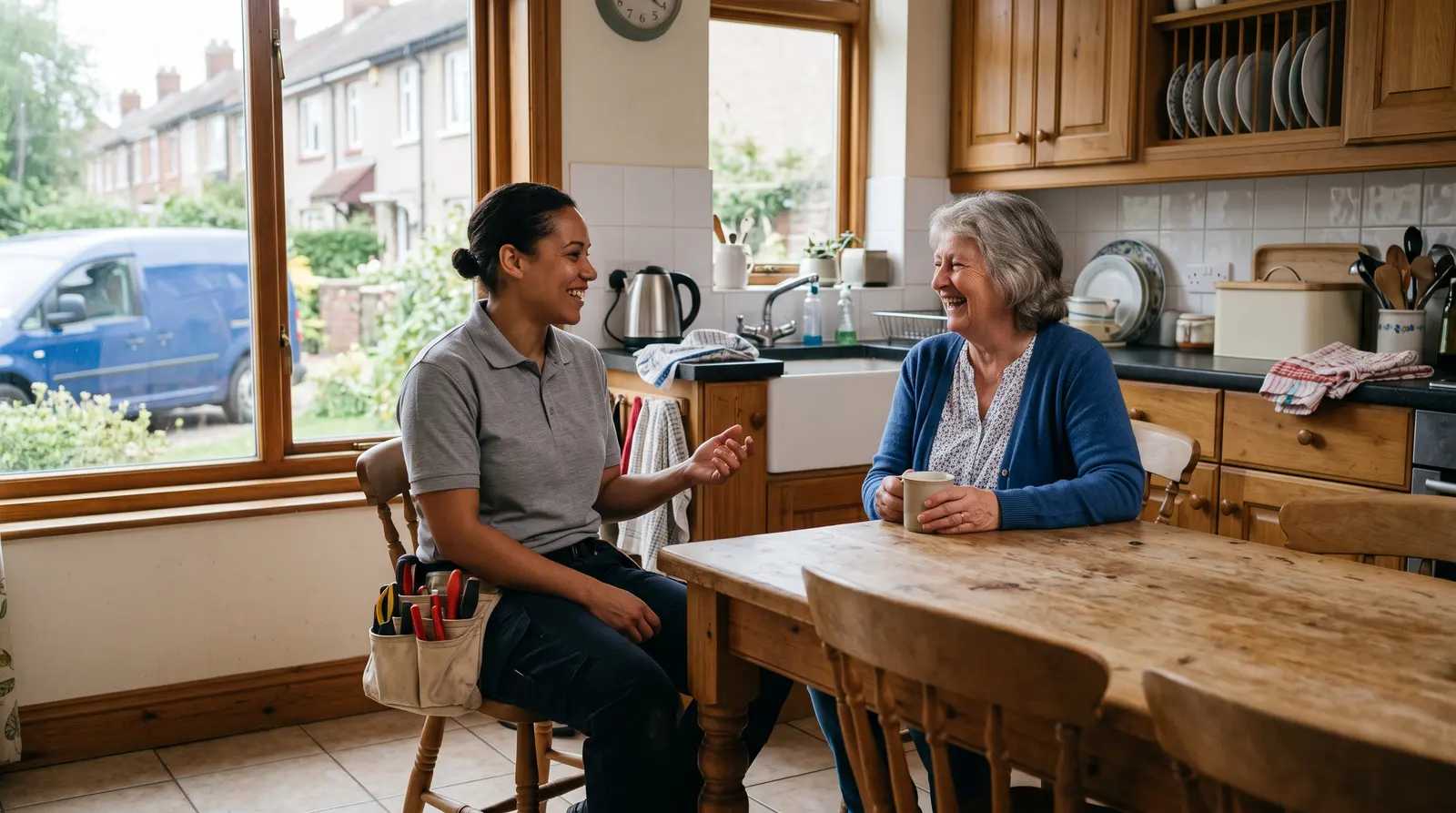
A plumber chatting with a homeowner in her kitchen after finishing a job

Riverside Mobile Pet Grooming

12 Quay Street, Leith

Invoice

INV-0042

Fitted shelving£480.00

Materials£120.00

Total£600.00

Deposit paid−£150.00

Left to pay£450.00

Pay the £450.00 balance by card
An invoice with your numbering, address and bank details. A deposit already paid comes off what is left to pay.

3Payments

Paid, and marked paid, in the same place

When a client pays by card, the invoice marks itself paid and you get an email saying who paid and how much. A bank transfer or cash payment is marked paid in one tap. Either way, it is recorded in the same app as the booking and the client.

  • Card payments straight to your own Stripe account
  • The invoice marks itself paid when a card payment arrives
  • Cash and bank transfers marked paid in one tap
  • Paid, due and overdue at a glance
Find out moreInvoice payment links: let clients pay online by card
A bank card being tapped on a small card reader at a craft market stall

Sam Patel paid the £500.00 deposit by card

Paid now: £500.00

Total: £2,000.00

Left to pay: £1,500.00

It is recorded as the deposit received.

The moment a client pays by card, you get an email saying who paid, how much, and what is left.

4Clients

One page for every client, not a contacts app and a notebook

Each client has their own page with every visit in date order, what it cost, the answers they gave when booking and private notes only you see. It builds itself from the bookings, so there is no separate list to keep.

  • Every visit and what it cost, in date order
  • Answers from booking, kept with the client
  • Private notes on every client, only you see them
  • A client list that builds itself
Find out moreA simple CRM for the self-employed: every client, remembered
A parent and a tutor chatting at a front door as a child heads inside after a lesson
EM

Ella Marsh

GCSE maths · 22 lessons

Private notes

Year 11, foundation paper. Needs more time on algebra. Mum pays by bank transfer at the end of each month.

  • 29 SepGCSE maths, 1 hour£38
  • 22 SepGCSE maths, 1 hour£38
  • 15 SepGCSE maths, 1 hour£38
Every client in one place: your private notes, the answers from booking and every visit, without a separate contacts app.

5Expenses

The spending, next to the earning

Take a photo of a receipt and the expense fills itself in, ready to check and save. It sits beside the money coming in, and the tax-year summary of your income and expenses downloads as a file for you or your accountant.

  • Expenses from a photo of the receipt
  • Mileage, kept alongside your expenses
  • Income and expenses side by side
  • A tax-year summary that downloads as a file
Find out moreYour records in one place for Self Assessment
A person on a sofa in the evening with a laptop on their knees and a cup of tea
Needs you

£120 overdue across 3 sessions

Booked this month

£3,240

Kept after costs

£2,430

Your money in one place: what is booked, what is overdue, and what you have kept.

Try it on your own business

One app for everything, from £9.99 a month billed yearly. Cancel anytime. Free plan available.

What it could mean for you

What it changes for you

One login

One app to open in the morning, instead of a row of tabs that each know a part of the story.

Nothing typed twice

A booking becomes an invoice becomes a paid mark without you copying a name, a date or an amount from one place to another.

One answer to “where is that?”

The booking, the invoice, the payment and the client’s notes are all in the same place, so there is one app to look in.

One plan

One plan for the bookings, the money and the clients, paid monthly or yearly, instead of a handful of subscriptions renewing on different dates.

A single phone on a tidy desk beside a notebook

Common questions

What apps does Soopaspace replace?
Soopaspace covers booking, invoicing, recording income and expenses, and a client list in one app, jobs that are otherwise done in a separate booking tool, invoicing tool, spreadsheet and contacts list.

Not ready yet? Stay in the loop

Practical tips for running a small business, and news when Soopaspace adds something new.

One paid plan, one price

One app for the whole of it

£9.99/month, billed yearly

or £12.99 a month. Cancel any time.

  • A booking page you edit on the page itself
  • Fixed-price appointments, quoted jobs, or both
  • Group events, courses & waiting lists
  • Bundles, offers, discount codes & gift vouchers
  • On-demand services: paid now, delivered later
  • Reminders, two-way calendar sync & self-service rescheduling
  • Quotes & invoices, with overdue ones chased politely for you
  • Money, P&L, expenses & mileage

Free plan: your booking page with up to 2 types of appointment, bookings and clients, with no card and no time limit.