Free to start · paid plan from £9.99/mo billed yearly
Less admin, more of the actual job

Software for people who hate admin

Soopaspace takes the admin parts of working for yourself, the booking back-and-forth, the invoicing, the chasing, the where-did-that-payment-go, and does them in one place, with an AI assistant for the fiddly bits.

Free to start with your booking page, bookings and clients. Everything else is one paid plan: £9.99/month billed yearly, or £12.99 monthly.

A personal trainer laughing with a client during a session in a park

Done while you worked

  • New booking from your pageRegular clean, Thu 08:30In the diary
  • Reminder email to SarahBefore tomorrow’s visitSent
  • Invoice INV-0042Paid by cardMarked paid

Nothing to copy from one app to another.

Quick answer

Soopaspace brings the admin of working for yourself into one place: the booking back-and-forth, invoicing, chasing payments and your client list, with an AI assistant for the fiddly bits. Nothing needs copying between apps, and you approve anything that goes to a client.

Do the work you set up for. Leave the rest to the app.

Nobody goes self-employed for the love of chasing invoices. Soopaspace keeps the bookings, the reminders, the invoices, the receipts and your client list together, so the admin happens as part of the work instead of in a pile at the end of the week.

1Bookings

No more back-and-forth to find a time

Clients pick a day on your booking page, see only the times you are free and book in a couple of taps. The booking lands in your diary, and the conversation that used to take five messages does not need to happen.

  • Only the times you are free shown on your page
  • Your own questions on each service, answered at booking
  • Clients move or cancel within the notice you set
  • Bookings sent to your Google or Outlook calendar

Find out moreLet clients book a time without the back and forth
A mobile hairdresser blow-drying a woman’s hair in her home kitchen, the client wearing a cape

October

5678910111213141516171819202122232425
09:0010:3013:0015:30

Your booking page: clients pick a day, see only the times you are free, and book in a couple of taps.

2Reminders

Reminders that go out without you

Every client gets a reminder email before their booking, with a link to move or cancel it within the notice you set. You do not have to text the night before, and a change of plan arrives as a change in your diary, not a message to deal with.

  • A reminder email before every booking
  • A link to move or cancel within your notice
  • Move one visit in a repeat without touching the rest
  • Your diary updated when a client moves
Find out moreLet clients reschedule themselves, within your rules
A gardener edging a lawn with long-handled shears beside a flower border
RMRiverside Mobile Pet Grooming

Hi Alex, a reminder about your upcoming booking with Riverside Mobile Pet Grooming.

GCSE maths, 60 min

Thursday 8 October, 16:00

Cancel or reschedule
Clients get a reminder email before each booking, with a link to reschedule or cancel within your notice window.

3Invoices and chasing

Invoices out, and the chasing done politely for you

Invoices carry your own details and numbering, and you can see what has been paid, what is due and what is overdue. Switch on automatic payment reminders and polite emails go out on the days you choose, each with a button to pay by card.

  • Invoices with your own details and numbering
  • Paid, due and overdue at a glance
  • Automatic payment reminders, or send them yourself
  • A Pay by card button on each reminder
Find out moreChase overdue invoices automatically, and politely
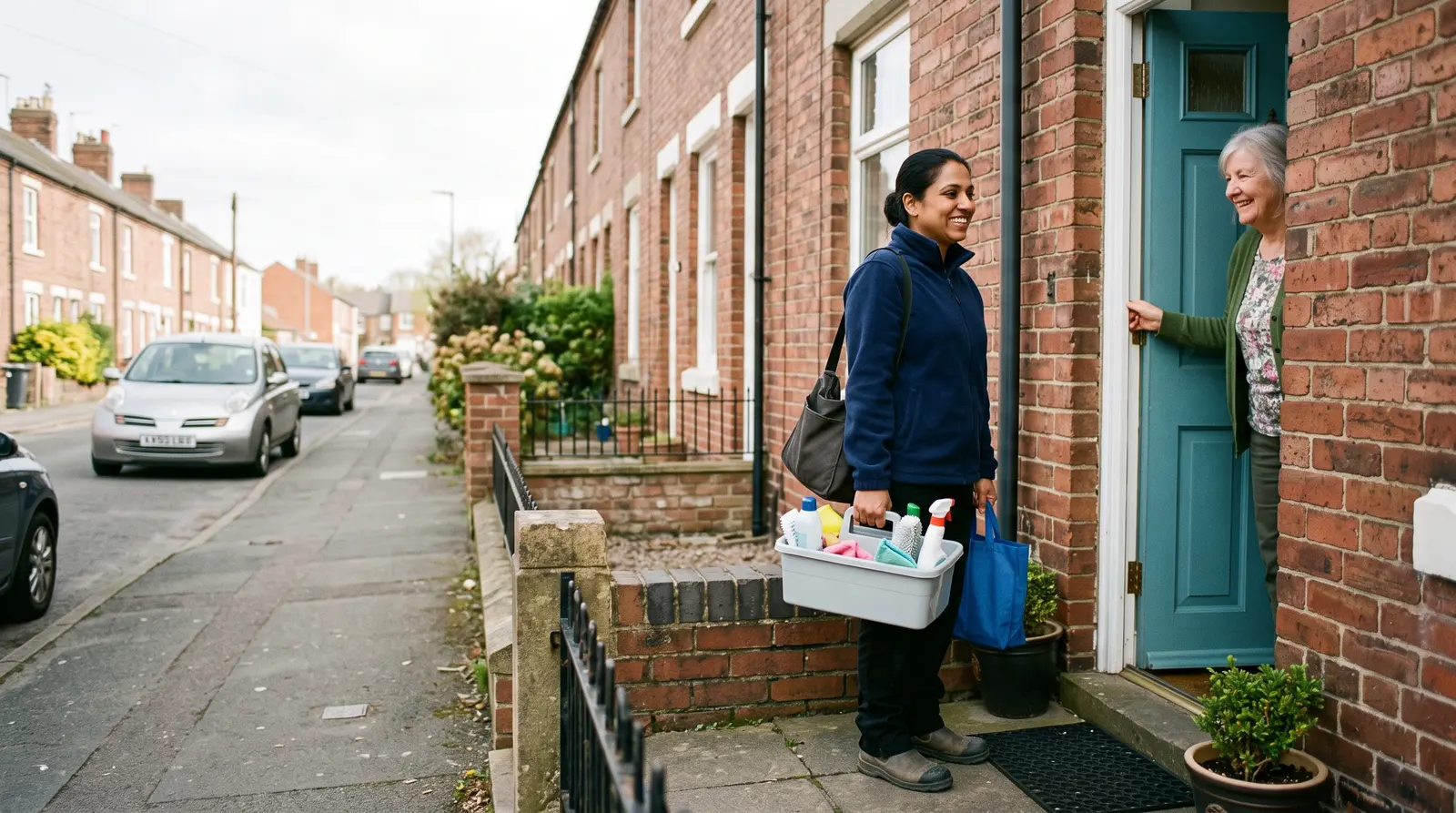
A cleaner sitting in her van with a coffee, checking her phone between jobs

Automatic reminders · On

  1. 1

    Friendly reminder

    after 7 days

    Sends itself
  2. 2

    Firmer follow-up

    after 14 days

    Sends itself
  3. 3

    Final reminder

    after 21 days

    I’ll send it
Automatic reminders: up to three, on the days you choose (7, 14 and 21 to start with). Each one sends itself or waits for you.

4Receipts

Receipts kept as you go, not in a shoebox

Take a photo of a receipt and the expense fills itself in, ready to check and save. Mileage sits alongside, and the tax-year summary of your income and expenses downloads as a file for you or your accountant.

  • Expenses from a photo of the receipt
  • Mileage, kept alongside your expenses
  • Income and expenses side by side
  • A tax-year summary that downloads as a file
Find out moreYour records in one place for Self Assessment
Hands photographing a paper receipt with a phone on a workbench beside a tape measure and a pencil

Receipt photo

SupplierPet Supplies Co

Amount£38.50

CategoryStock and materials

Save expense
Snap a receipt and the expense fills itself in, ready to check and save.

5The fiddly bits

An assistant for the questions and the messages

The AI assistant answers questions about your business and drafts the messages you would rather not write. Anything it drafts for a client comes to you first, so you read it, change it and approve it before it sends.

  • Ask a question instead of digging for the answer
  • Messages drafted for you to read and change
  • You approve anything it drafts for a client
  • Bookings, money and clients in one place
Find out moreAn AI assistant for your admin, that waits for your approval
A personal trainer at a kitchen table in the evening working on a laptop

Assistant

  • You askedWhat have I got on tomorrow?
  • It answeredThree visits: Headingley at 08:30, Horsforth at 11:00 and Adel at 13:30.
  • A message to Mrs PatelDrafted for you to read and changeDraft

Nothing it drafts goes to a client until you approve it.

The assistant answers questions and drafts messages. Anything for a client waits for your approval.

Try it on your own business

One app for everything, from £9.99 a month billed yearly. Cancel anytime. Free plan available.

What it could mean for you

What it changes for you

Less left for the evening

The booking, the reminder and the invoice happen as part of the day, so there is less waiting for you once the work is done.

One place to look

Bookings, money and clients sit together, so a question like “has she paid?” is answered where you already are.

No awkward chasing

Polite payment reminders can go out on their own, so you are not the one writing the third “just checking in” email.

Still your business

The app does the routine parts. Every message the assistant drafts for a client is one you have read and approved.

Paperwork pushed aside while someone leans back with a coffee

Common questions

Can Soopaspace do my admin for me?
It brings your bookings, payments, invoices and client list into one place and uses an AI assistant to draft messages and answer questions. You approve anything that goes to a client, so it saves the time without taking the wheel.

Not ready yet? Stay in the loop

Practical tips for running a small business, and news when Soopaspace adds something new.

One paid plan, one price

One app for the whole of it

£9.99/month, billed yearly

or £12.99 a month. Cancel any time.

  • A booking page you edit on the page itself
  • Fixed-price appointments, quoted jobs, or both
  • Group events, courses & waiting lists
  • Bundles, offers, discount codes & gift vouchers
  • On-demand services: paid now, delivered later
  • Reminders, two-way calendar sync & self-service rescheduling
  • Quotes & invoices, with overdue ones chased politely for you
  • Money, P&L, expenses & mileage

Free plan: your booking page with up to 2 types of appointment, bookings and clients, with no card and no time limit.